Installation
The ROIC.ai add-on installs from the Google Workspace Marketplace and takes under a minute.
Install the Add-on
- Open the ROIC.ai for Sheets listing on the Google Workspace Marketplace
- Click Install
- Choose the Google account you want to install for and grant the requested permissions
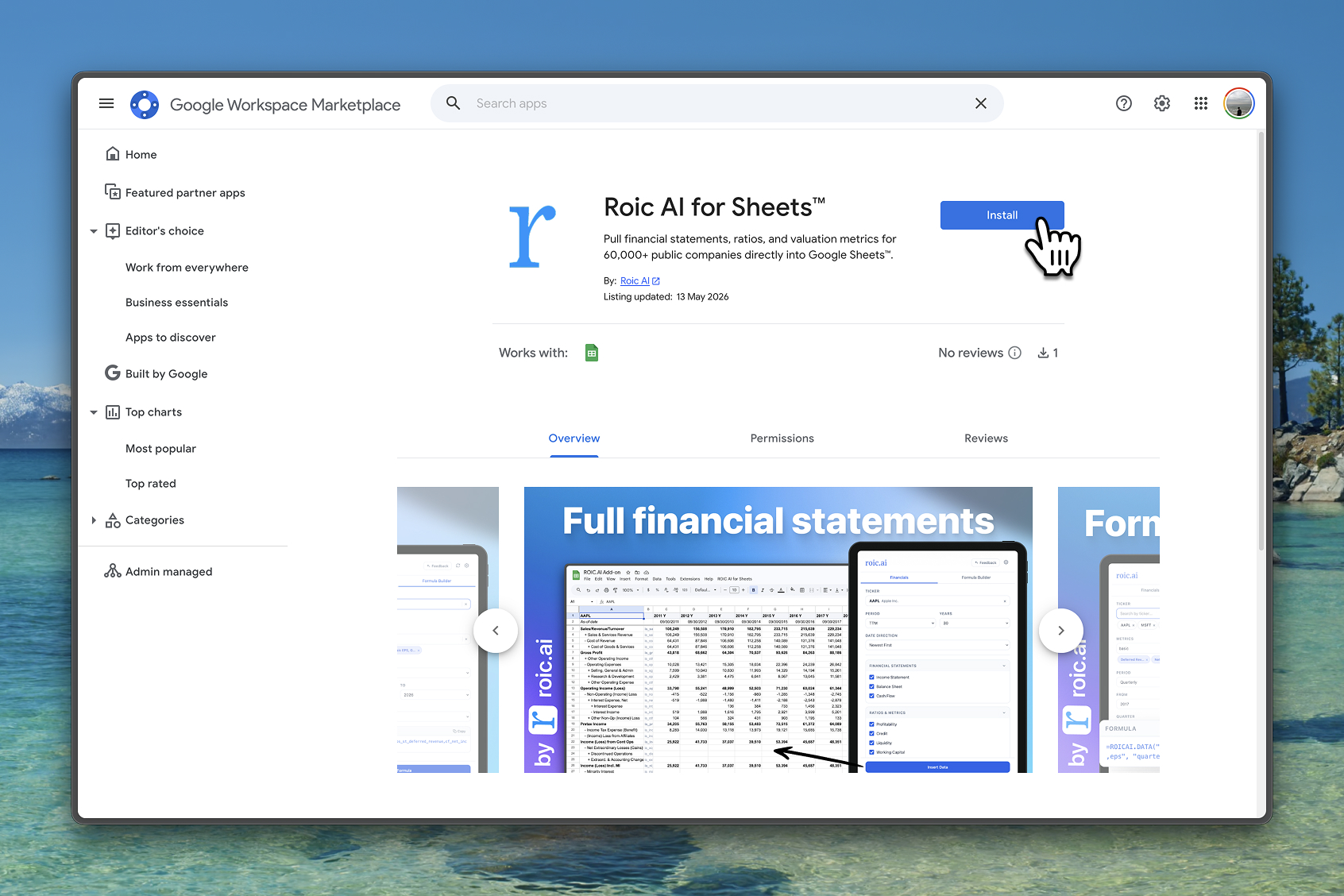
Google will ask for two permissions:
- View and manage spreadsheets — required to insert data into your cells
- Connect to an external service — required to fetch data from the ROIC.ai API
The add-on does not read or store the contents of your existing spreadsheet data.
Requirements
- A ROIC.ai account on any plan, including the free tier (sign up). Rate limit and history depth apply according to your plan.
- Your API key ready to paste after installation
- A Google account with access to Google Sheets
- An internet connection for data retrieval
Open the Add-on in Google Sheets
- Open Google Sheets and create or open a spreadsheet
- Click the Extensions tab in the menu bar
- Select ROIC.ai then Open sidebar
- Paste your API key into the settings to authenticate
The add-on persists across all your spreadsheets — install once and it's available everywhere.
Troubleshooting
| Issue | Solution |
|---|---|
| Add-on not found in Marketplace | Use the direct install link |
| "Permission denied" after install | Re-authorize from Extensions → Add-ons → Manage add-ons and grant all requested permissions |
| ROIC.ai missing from the Extensions menu | Refresh the Google Sheets tab after installing |
| Add-on panel is blank or not loading | Check your internet connection, refresh the page, or close and reopen the panel |